01
Check for potential threats.
Scan installed apps and supported files with the integrated Trustlook scanning service. Review the findings and choose your next action.
Cloud-based detection requires internet access.A FRESH LOOK AT YOUR PHONE
Meet your everyday Android toolkit. Check for potential threats, review unwanted files and see what’s happening on your device—all in one place.

LESS CLUTTER. MORE CLARITY.
From files you no longer need to apps you want to check, find a useful starting point for everyday device care.
Scan installed apps and supported files with the integrated Trustlook scanning service. Review the findings and choose your next action.
Cloud-based detection requires internet access.Review redundant files, look through large items, compare duplicate copies and browse recent files. Choose what to keep and what to remove.
Review accessible files before deleting them.Explore storage, mobile data and Wi-Fi usage. Check available CPU, battery and RAM information from the More tab.
Available information depends on your device.FAMILIAR TOOLS, IN ONE PLACE
Explore the app’s main screens, from your home toolkit to storage and device information.
01 / YOUR STARTING POINT
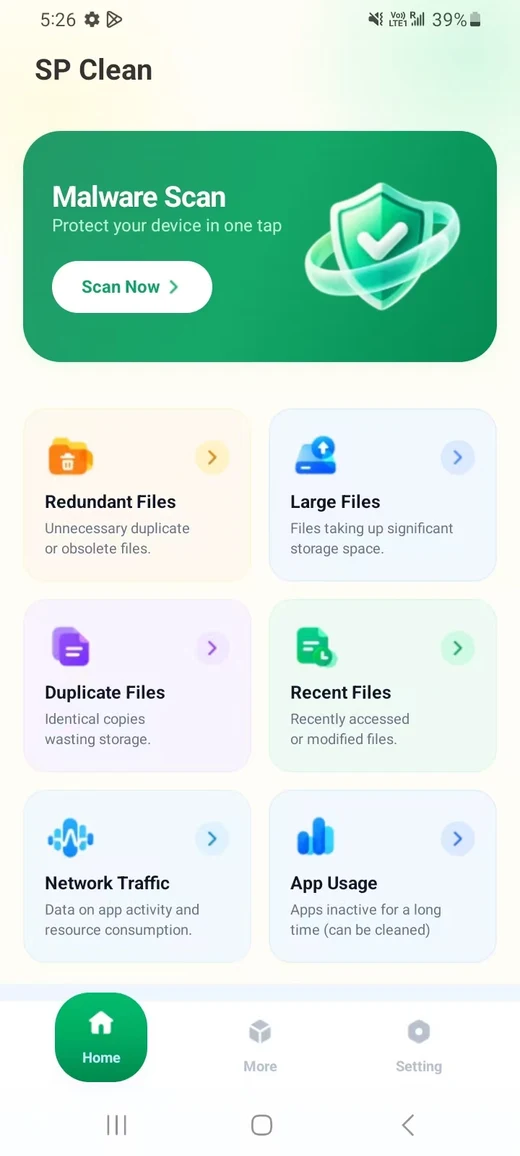
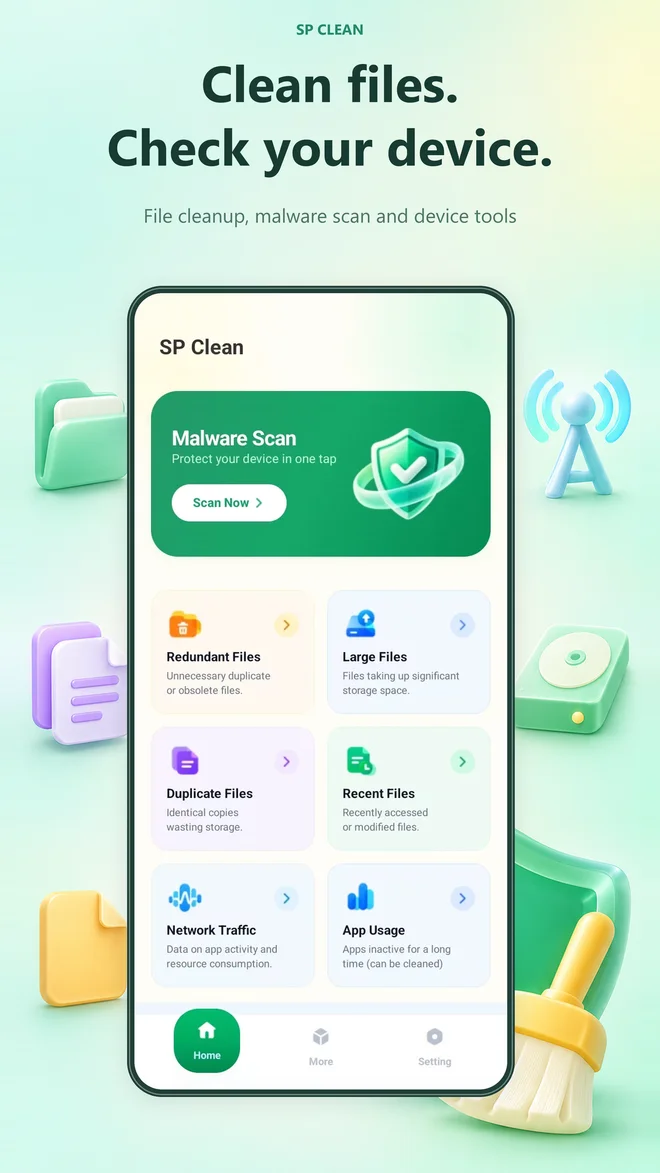
Open malware scanning, redundant files, large files, duplicate files and recent files from Home. Network traffic and app usage are close at hand, too.
A LITTLE CARE, ON YOUR TERMS
Start a malware scan, open a file-review tool or check your device information.
Look through scan findings, file lists or app-level network usage.
Choose the available removal or app-management action that fits your needs.
A FEW THINGS TO KNOW
Need help with SP Clean?
Our support email is below.
SP Clean brings malware scanning, file cleanup, storage browsing, network traffic and device information into one Android app.
Cloud-based detection uses the integrated Trustlook scanning service and requires internet access. Review scan findings and the available actions in the app.
Yes. The redundant-files tool lets you expand categories, inspect listed items and select files you no longer want before deletion. Separate tools help you review large, duplicate and recent files.
View mobile data and Wi-Fi usage with app-level lists. Switch between 24 Hours, 7 Days and This Month to explore different periods.
Read the developer’s Privacy Policy and the Google Play Data safety disclosure for details.
YOUR EVERYDAY ANDROID TOOLKIT
Bring file cleanup, scanning and device insights together.
GET IT ONGoogle PlayCheck device availability on Google Play.